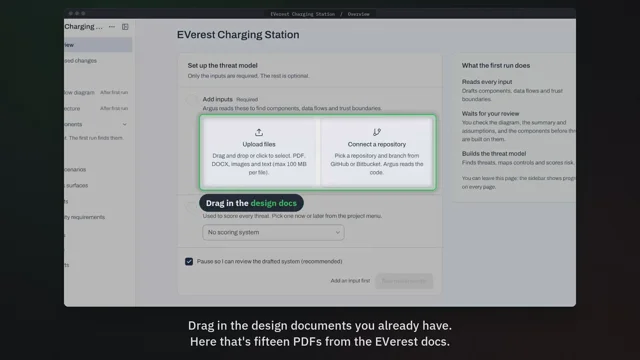
 2:13
Create your first threat model
Start a project, add your documents and code, and run the first threat model.
In Projects, New project
 ArgusEyeSentry guide
Eight short videos, each about one part of Sentry. Point at a part of the app to preview its video, or pick one from the program below.
9 min 54 s in all. Words on screen, sound optional.
Point at a part of Sentry to preview its video. Click to play it.Tap a part of Sentry to preview its video, then tap again to play it.
Each video covers one task, in the order you'll need them.
0 of 8 watched
2:13Start a project, add your documents and code, and run the first threat model.
In Projects, New project
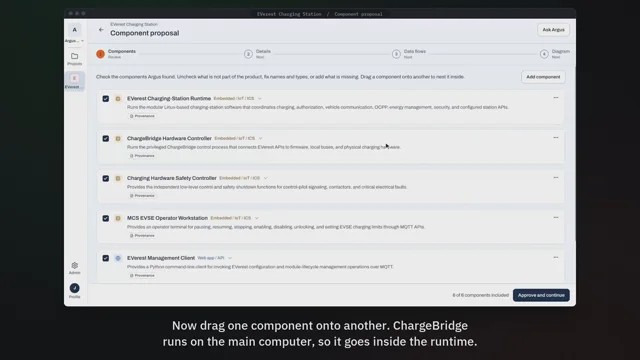 0:59
Show which components sit inside others before the threat model is built.
In Component proposal, Components
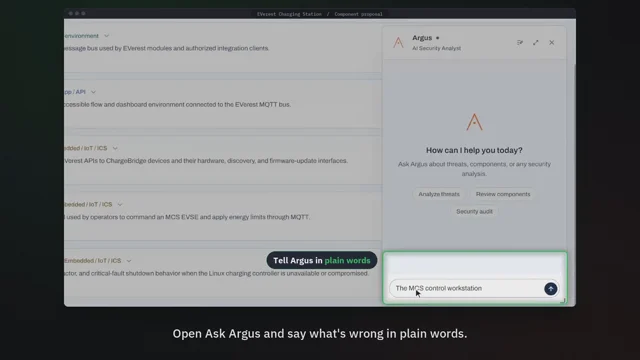 1:25
Fix the component list by telling Argus what's wrong.
In Component proposal, Ask Argus
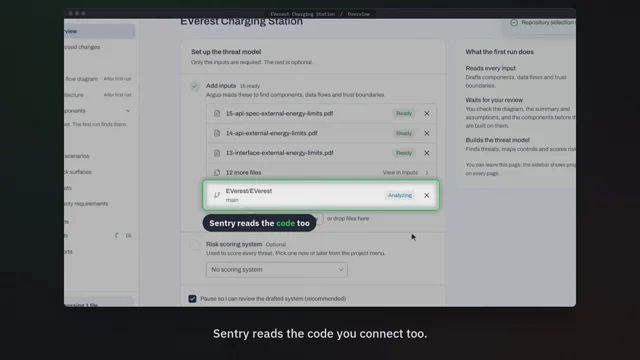 0:54
See what Sentry takes from each file and where every fact comes from.
In Project, Inputs
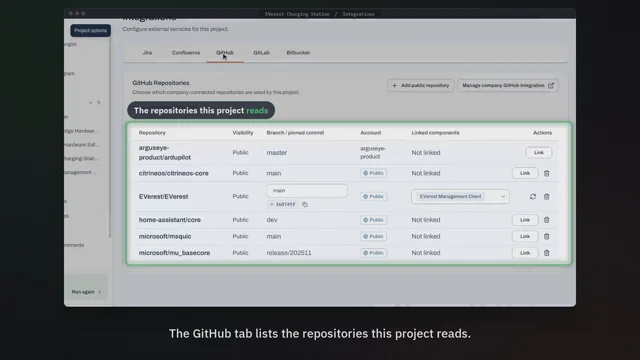 0:59
Link Sentry to the repositories and trackers your team already uses.
In Project menu, Integrations
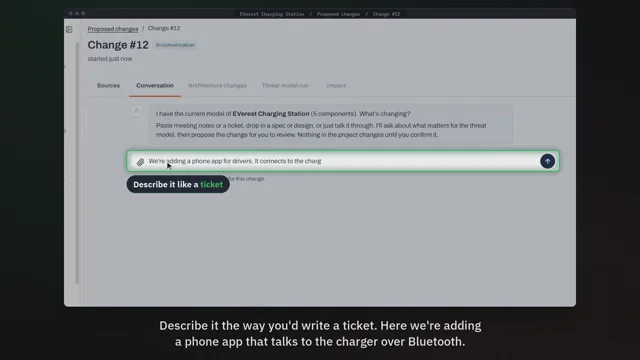 1:40
Describe a planned change and see what it does to your risk before anyone writes code.
In Proposed changes, Process a change
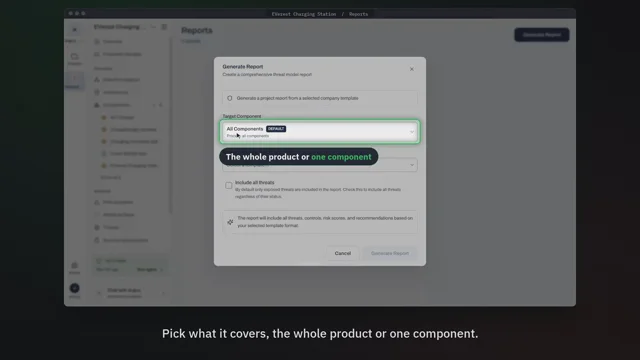 0:51
Make a Word, Excel or PDF report for the whole product or one component.
In Reports, Generate report
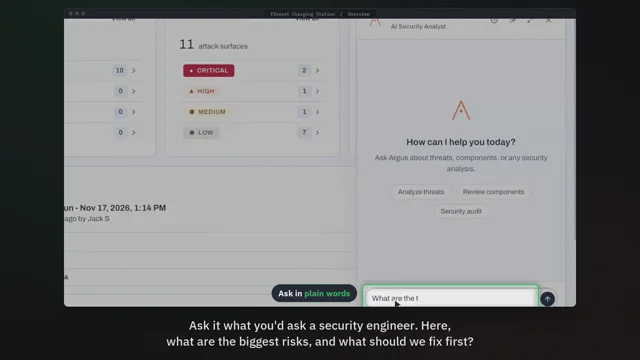 0:53
Ask questions about your threat model and get answers you can act on.
In Any page, Chat with Argus